Open an archive and the files appear in the same folder. Password-protected and multi-part archives work, and so do old archives with non-English file names. The archive itself is left as it was.
Recently someone sent me a RAR archive. I was surprised: I hadn’t seen one in years. And it turned out a Mac can’t open them without a third-party app. So, without thinking twice, I made my own. I hope you find it useful too.
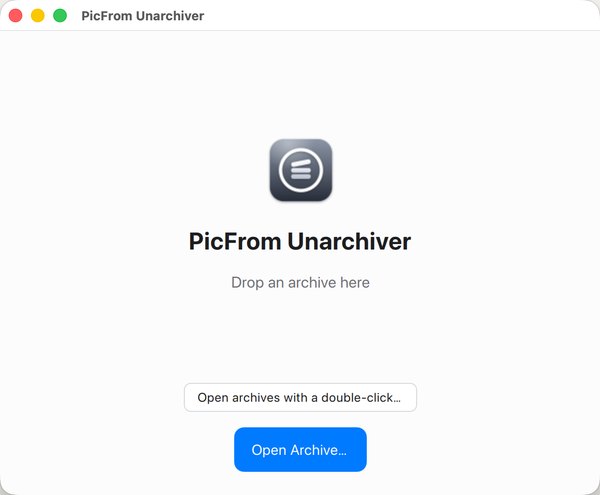
Click Open Archive… or press ⌘O, drag archives onto the window, or pick the app under Open With in Finder. A single file in the archive stays a single file, a single folder stays a folder. If there are several items inside, they go into a folder named after the archive. If that name is taken, the new folder gets a number: Photos 2. Existing files are not replaced.
Finder
Double-click an archive
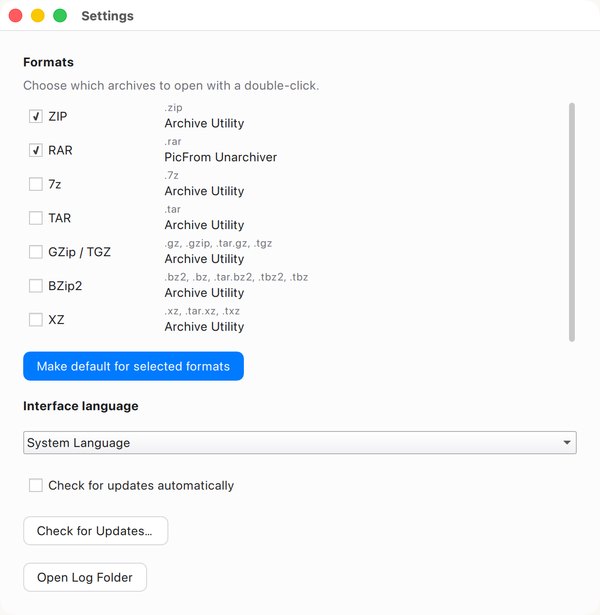
In Settings, under Formats, tick the ones you want, such as ZIP and RAR, and click Make default for selected formats. After that, double-clicking those archives opens PicFrom Unarchiver. Other formats open as before.
Quick Action
Extract with PicFrom, right in Finder
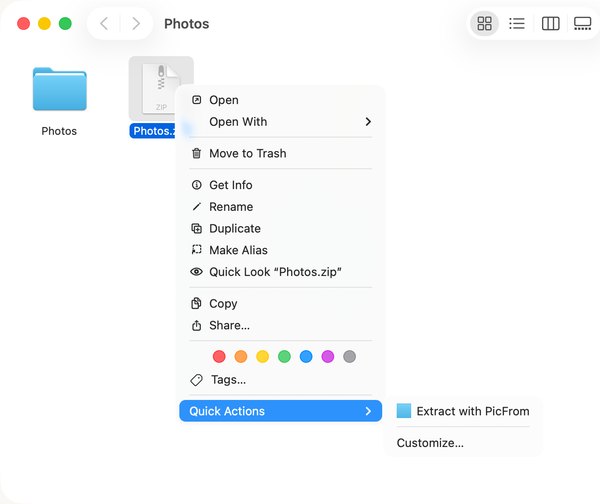
Select one or more archives in Finder, open Quick Actions and choose Extract with PicFrom. Turn the action on once under Quick Actions → Customize. It does not change which app opens the format by default.
Passwords and names
Passwords and old file names
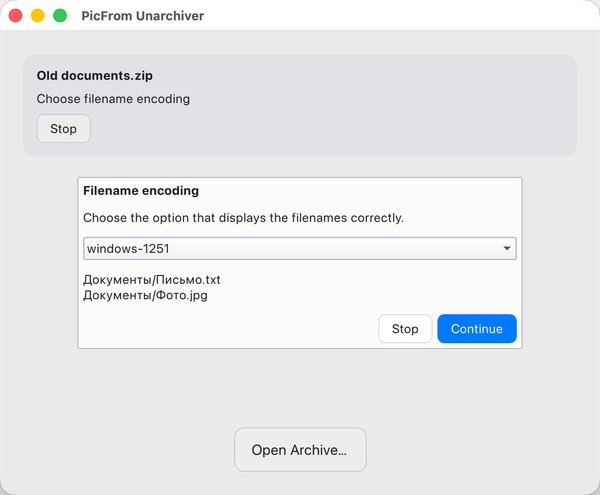
If an archive has a password, the app asks for it and doesn’t save it anywhere. Sometimes file names in an old archive can be read in more than one way. Then PicFrom shows them in a few encodings, such as CP866 and Windows-1251, and you pick the one that looks right.
Formats
What it opens
Tested on a set of sample archives, including ones with passwords and ones split into parts.
You can make the app the default for these seven formats.
Also reads CAB and LHA/LZH
Open them with Open Archive… or by dragging them onto the window.
Multi-part RAR and 7z
Keep all parts in one folder and open the first one: .part1.rar or .7z.001.
Details
Good to know
PicFrom Unarchiver only extracts. It does not create or change archives. Step-by-step guides: double-click, multi-part archives, passwords and encodings.
Several archives
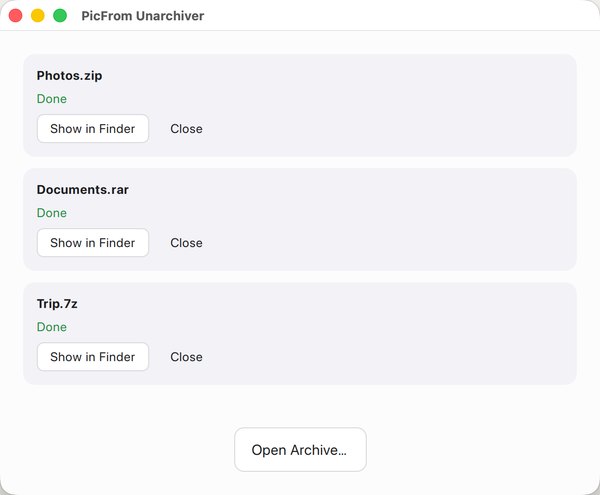
Archives wait in a queue and are extracted one at a time. You can add more while it works.
Progress and Stop
You see which file is being extracted. Stop cancels one job and the rest carry on.
Damaged archives
Everything that can be read is saved, and the row says Partially extracted. The app does not repair damaged data.
The archive stays intact
The archive is not deleted or changed. Extracting it again makes a new folder instead of overwriting the old one.
Where files go
Always into the folder that holds the archive. There is no separate destination, so that folder needs write access and free space.
A notice when done
If you are working in another window, macOS shows Extraction complete. Click it and Finder shows the result.
Privacy
Your archives stay on your Mac
Everything is extracted on the Mac itself. Nothing is uploaded, and the app has no telemetry. It goes online only to check for updates.
No account No telemetry No ads
Extract archives on your Mac for free
Download PicFrom Unarchiver, drag it to Applications and open your first archive. No sign-up needed.