
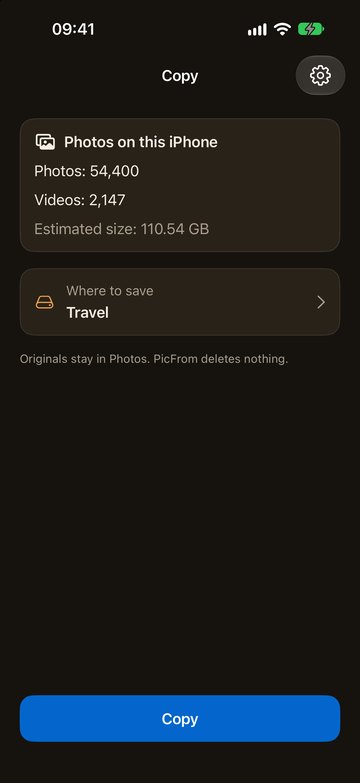
Where to save
A drive, a NAS or a Mac
Choose where the archive lives: a USB drive or flash drive plugged into the iPhone, a NAS on your home network, or a Mac with PicFrom. You can change the place later, and each place keeps its own archive.
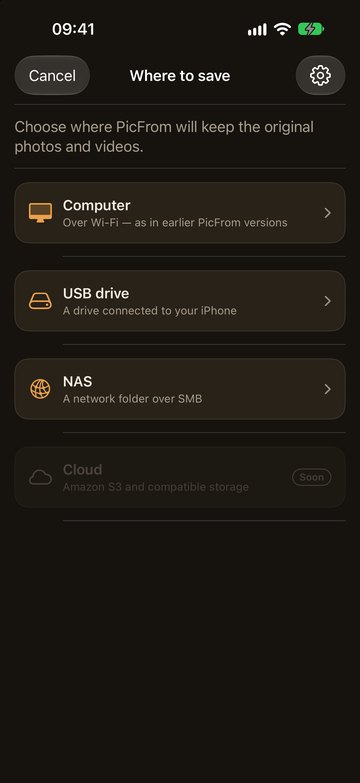
USB drive
Plug a drive into the iPhone
Connect a USB drive or flash drive with a USB‑C cable or a Lightning adapter, choose it once, and tap Copy. PicFrom creates a PicFrom folder on the drive and saves the photos in date folders. No computer is involved.

NAS
Or a NAS on your home Wi‑Fi
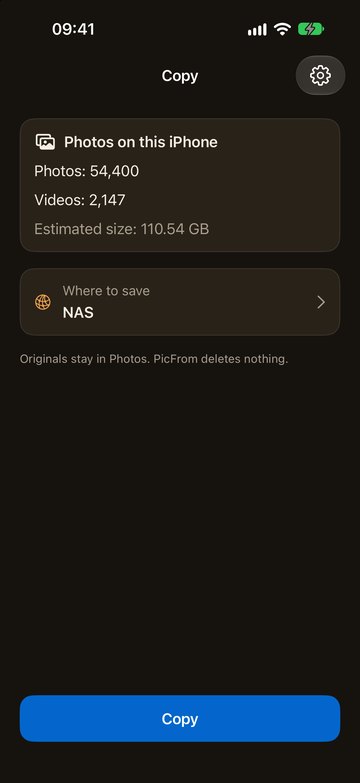
If you have a Synology, QNAP or another NAS with a shared folder (SMB), add it once with its address, your user name and password. The password stays in the iPhone's Keychain. Before copying, PicFrom checks that the shared folder has enough free space.
Mac
Have a Mac? Send photos to it
PicFrom for Mac receives photos from the iPhone over home Wi‑Fi and puts them in the same archive as your iCloud photos. Scan the code on the Mac once, and next time they connect by themselves.
